
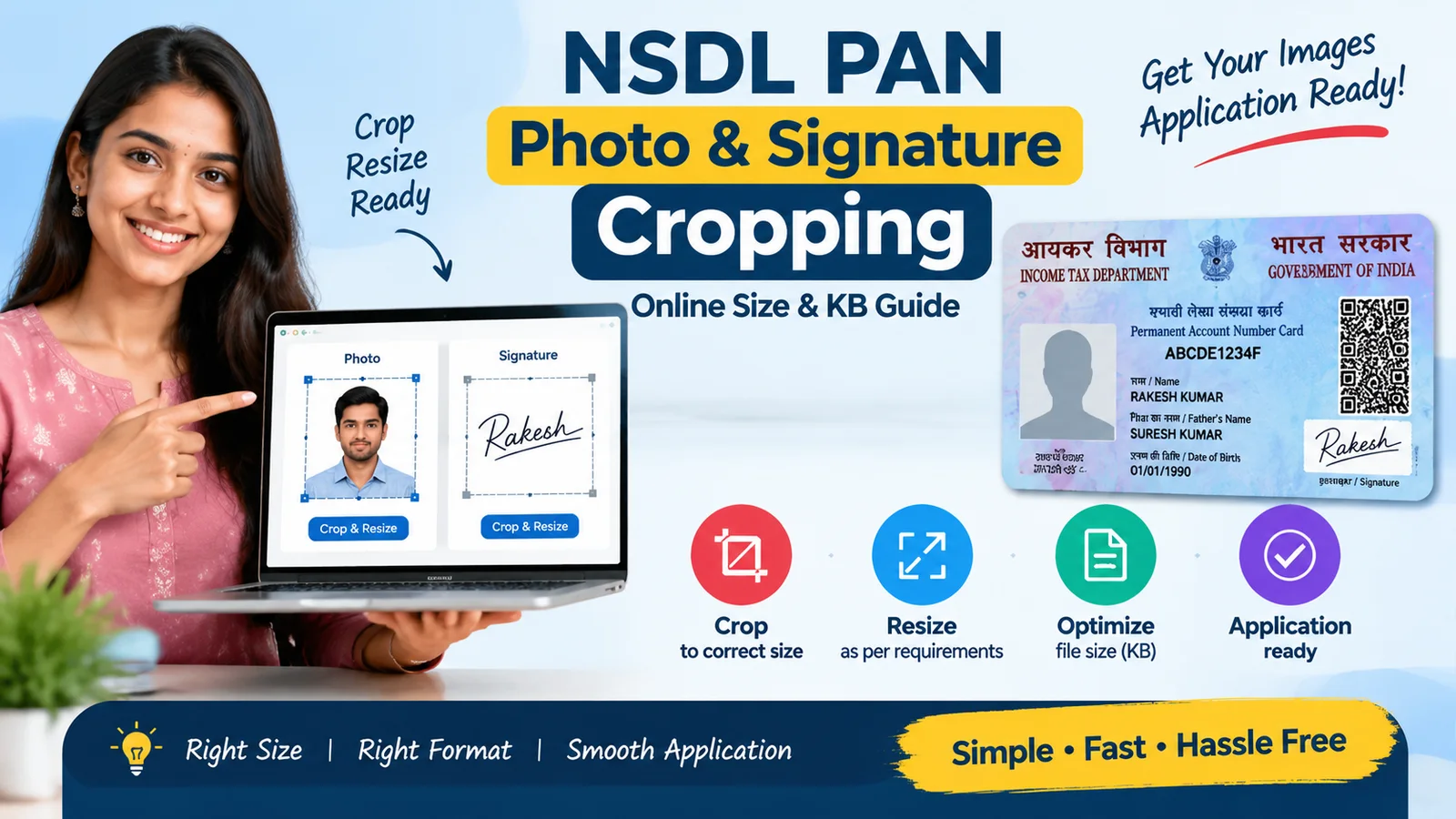
NSDL PAN Photo and Signature Cropping Online: Size and KB Guide
Prepare PAN application images easily with correct size and format.
Learn how to crop, resize, and optimize PAN card application photo and signature images for online submission.
Category
PAN Card Services
Coverage
AR, AP, OR, TN, TG
Reading time
3 minutes
Guide details
2 documents · 6 steps
Start here
Guide Overview
A clear introduction before you review requirements and next steps.
What is PAN Photo and Signature Cropping?
Why Proper Image Formatting is Important
Who Can Use This Service?
How the Service Works
Tips for Better PAN Image Quality
Conclusion
Benefits
- Helps prepare PAN photo and signature images in suitable digital format.
- Reduces chances of upload errors caused by incorrect image size or dimensions.
- Saves time compared to manually editing images.
- Provides convenient online image preparation support.
- Useful for both new PAN applications and PAN correction applications.
Eligibility
- Individuals applying for or updating PAN details who need properly formatted photo and signature files.
- Applicants who have digital photo or signature images requiring resizing or cropping assistance.
Required Documents
- Digital Photograph
Recent applicant photograph in image format for resizing and cropping.
- Digital Signature Image
Applicant signature image for formatting and size adjustment.
How It Works
- 1Upload the photo and signature image files.
- 2Check image quality and positioning requirements.
- 3Crop and resize images according to PAN application requirements.
- 4Optimize image file size while maintaining clarity.
- 5Download the prepared images.
- 6Use the formatted images during PAN application or correction submission.
Timeline
Usually completed after image processing, depending on service availability.
Delivery: Instant or shortly after successful image upload and processing.
Final acceptance of uploaded images depends on the PAN application processing system requirements.
Fees
No government fee information is provided for this image preparation assistance service. Charges may vary depending on the service provider.
Important Information
- Image requirements may change based on PAN application guidelines.
- This service only provides image preparation assistance.
- Approval of PAN applications is handled by the concerned PAN authority.